

View IPTV PlansChat on WhatsApp

Prefer to call? +44 7868 240819

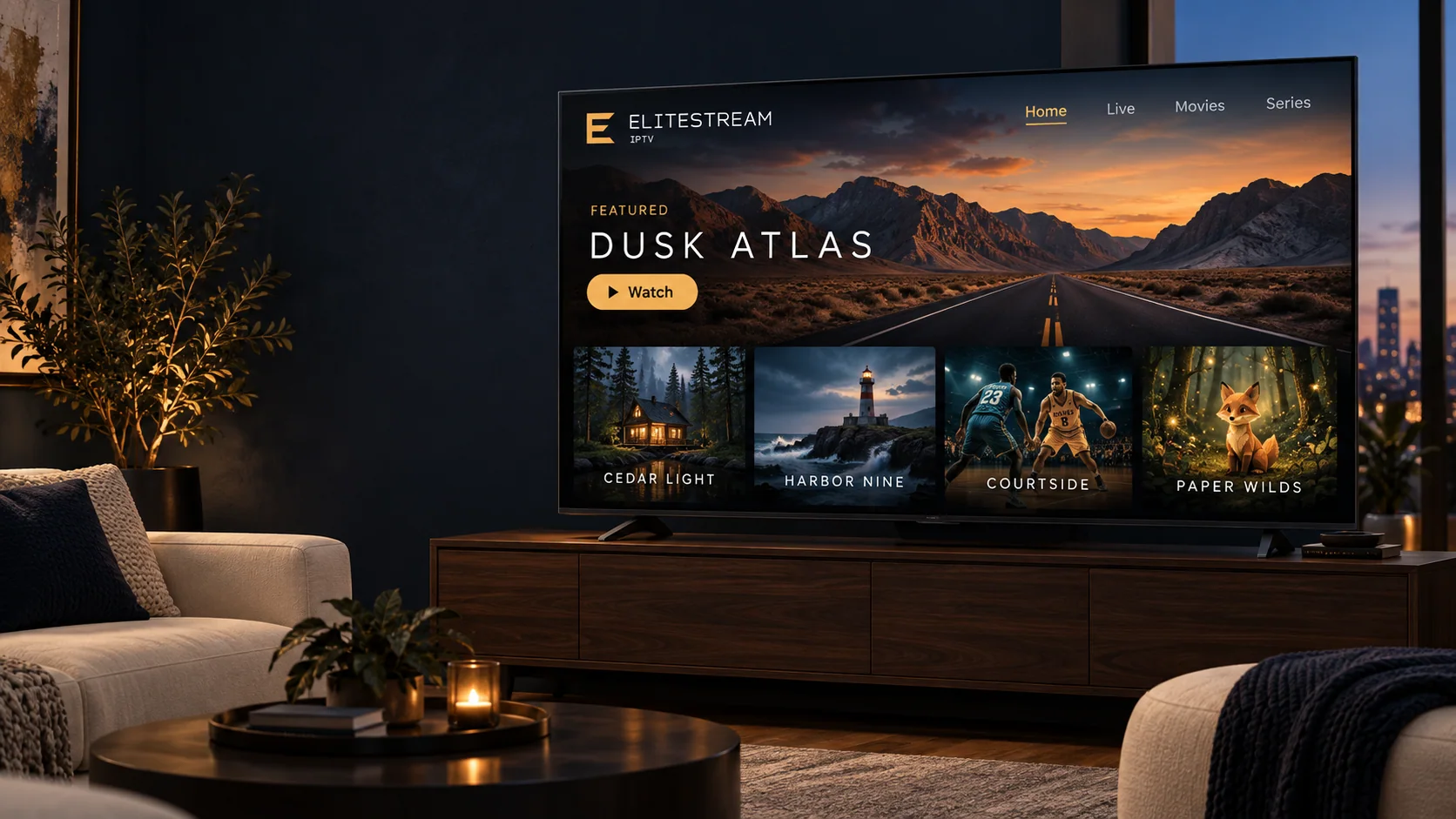
A warmly lit living room with a television showing the Elitestream IPTV home screen and a featured title.

Internet television subscriptions

Elitestream IPTV — modern streaming for live TV and entertainment

Flexible subscriptions from one month to a year, setup guidance written for the device you already own, and a team you can message before you buy.

  • Plans from one month
  • Works with your own devices
  • Step-by-step setup guides

How the service works

Television delivered over your internet connection

IPTV means the channels arrive as internet data rather than through a cable or a dish. Nothing is installed in the wall and there is no box to rent — the device you already watch on does the work.

A subscription gives you login details for a compatible player application. You install that player from your device’s own app store, enter the details we send you, and the channel list and program guide load on first use. From then on it behaves like any other app on the television.

  • Live channels with an on-screen guide, plus an on-demand library.
  • Runs on Firestick, Smart TV, Android TV, Apple TV, phones, tablets and computers.
  • Written setup instructions for each device, and help if something looks wrong.
A laptop, tablet and phone side by side, each showing a different Elitestream IPTV screen.

Subscription plans

Choose the term that suits your household

Four subscription lengths with the same service on each. Prices are shown in USD and are charged once for the full term, not as a recurring monthly payment.

Starter

1 Month

$12 USD

$12.00 per month equivalent, paid once for the full term.

A short commitment for viewers who want to try the service on their own device first.

  • Anti Buffering
  • 18K+ Live Channels
  • Weekly Vod Update
  • 4k, UHD, FHD, HD
  • Stable Servers
  • 24/7 Live Chat Support

Standard

3 Months

$24 USD

$8.00 per month equivalent, paid once for the full term.

A full season of viewing, renewed less often than a monthly subscription.

  • Anti Buffering
  • 18K+ Live Channels
  • Weekly Vod Update
  • 4k, UHD, FHD, HD
  • Stable Servers
  • 24/7 Live Chat Support

Premium

6 Months

$44 USD

$7.33 per month equivalent, paid once for the full term.

Half a year on one payment, for households that have already settled on their setup.

  • Anti Buffering
  • 18K+ Live Channels
  • Weekly Vod Update
  • 4k, UHD, FHD, HD
  • Stable Servers
  • 24/7 Live Chat Support

How ordering works. There is no automated checkout on this website. Each button opens a WhatsApp message with your chosen plan already filled in, and our team confirms the price, what the subscription covers and how to pay before anything is charged.

Simultaneous-connection limits are agreed with our team rather than listed here, so ask how many devices you need before you order.

Why choose us

Why choose Elitestream IPTV?

What the service actually gives you, described plainly — so you can judge whether it fits your setup before you spend anything.

Works with the devices you own

Firestick, Smart TV, Android TV, Apple TV, phone, tablet or computer. There is no set-top box to rent and nothing to install in the wall.

Setup written out step by step

Our Installation Guide covers each device separately, in plain language, with the exact screens you will see along the way.

Terms from one month to a year

Start on the one-month plan if you want to see how it fits your household, and move to a longer term once you are settled.

A real conversation before you buy

Message the team on WhatsApp with your device and connection, and get a straight answer about whether the service suits you.

Honest technical guidance

We tell you what your connection needs to carry, including where a stream is likely to struggle, rather than promising that nothing ever will.

Help after setup, not just before

Troubleshooting guidance for buffering, playback and player configuration stays available for as long as your subscription runs.

Channels & entertainment

A full evening of viewing, organised by what you feel like watching

Live channels sit alongside an on-demand library, grouped into categories so you are not scrolling through everything at once.

Movies

A film library you can browse by genre and start whenever you sit down, rather than waiting for a broadcast slot.

Series

Episodic drama and comedy organised by season, with your position remembered between viewings.

Sports

Live sports channels, subject to the rights that apply in your region at the time you watch.

Live Television

Scheduled channels with an on-screen guide, so you can see what is running now and what follows it.

News

Rolling national and international news channels for the background of a working day.

International Programming

Channels in a range of languages, useful for households that watch in more than one.

Documentaries

Factual programming across history, nature, science and travel.

Family & Kids

Animation and family programming, kept in its own section so it is easy to find.

Categories describe the kinds of programming available. What you can actually watch depends on the rights that apply where you are at the time, so ask us about a specific interest before you subscribe.

Compatible devices

Watch on the devices already in your home

Each of these needs a compatible IPTV player application, installed from that device’s own app store. We do not publish a proprietary app of our own.

Getting started

From choosing a plan to your first evening of viewing

Five steps, described as they actually happen. We do not promise an automatic activation time, because a person completes your order.

  1. Choose your plan

    Compare the four subscription terms and pick the one that matches how long you want to commit.

  2. Contact the team to order

    Message us on WhatsApp with the plan you want. We confirm the price, what the subscription covers and how to pay before anything is charged.

  3. Receive your setup instructions

    Once the order is complete we send your login details together with instructions written for your specific device.

  4. Configure your device

    Install a compatible player, enter the details we sent, and let the channel list and guide load for the first time.

  5. Start watching

    Browse live channels or the on-demand library. If anything looks wrong on the first evening, tell us while it is still fresh.

An illustration of the Elitestream IPTV library, showing a featured title and rows of browsable artwork.

Streaming experience

What quality you get, and what it depends on

Picture quality is not a single setting. It is the result of how the original content was produced, what your television and player can handle, and how much bandwidth is free at that moment.

  • Where a higher-resolution version of a stream exists and your setup supports it, your player will use it.
  • A steady connection matters more than a fast one. Wired Ethernet, or 5 GHz Wi-Fi near the router, is usually the biggest improvement available.
  • Older streaming sticks and boxes may handle HD comfortably while struggling with 4K on the same connection.
  • If a stream stutters, our troubleshooting guidance works through the connection, the player and the device in that order.

No streaming service can promise uninterrupted playback, and we do not. What we can do is tell you honestly what your connection needs to carry and help you get there.

Customer support

Talk to someone before and after you subscribe

The same team handles plan questions, setup and troubleshooting, so you are not repeating yourself to three different departments.

  • Help choosing between the four subscription terms.
  • Device setup, including which player to install and what to enter.
  • Account, activation and renewal questions.
  • Playback troubleshooting and buffering diagnosis.
  • Payment enquiries, answered before anything is charged.

WhatsApp

The quickest way to reach us, and the route most customers use to order.

Start a chat

Phone

Call if you would rather talk it through.

+44 7868 240819
A viewer following on-screen setup steps on a television showing the Elitestream IPTV interface.

Frequently asked questions

Questions customers ask before they order

What is Elitestream IPTV?

Elitestream IPTV is a subscription service that delivers television channels and on-demand titles over your home internet connection instead of a cable or satellite line. You keep the devices you already own, add a compatible player app, and sign in with the details we send you after your order.

How does an IPTV subscription work?

Television signals are sent to you as internet data rather than over the air. When your subscription is set up you receive login details for a compatible player application. The player contacts our service, loads the channel list and program information, and plays the stream you select. Nothing is downloaded permanently and no dish or cable box is involved.

Which devices can I use?

Any device that runs a compatible IPTV player application and has a stable internet connection is a candidate: Amazon Fire TV and Firestick, Android TV boxes and Google TV, Android phones and tablets, iPhone and iPad, Apple TV, Windows and Mac computers, and many Smart TVs. Our Compatible Devices page lists what each one needs, and the Installation Guide walks through the setup.

How do I install a compatible IPTV player?

Open the app store on your device, install a player that accepts subscription login details, then enter the details we sent you. Our Installation Guide has step-by-step instructions for Firestick, Smart TV, Android TV and Apple TV, with screenshots of what each screen should look like.

Can I use one subscription on several devices?

Simultaneous-connection limits are not published on this site, because they depend on the plan you agree with our team. Message us on WhatsApp before you order and we will confirm exactly how many devices your subscription covers and whether additional connections are available.

What internet connection do I need?

As a general guide, standard-definition streams are comfortable on a few megabits per second, high definition benefits from a steadier connection, and 4K needs considerably more. Consistency matters more than headline speed: a wired Ethernet connection, or 5 GHz Wi-Fi close to the router, usually gives a better result than a fast connection shared across a busy household.

How will I receive my setup instructions?

Our team sends your login details and setup instructions through the channel you used to order, which for most customers is WhatsApp. We do not advertise an automatic activation time; if you need to know how long your order is likely to take, ask before you pay and we will tell you.

Still deciding? Ask us directly — we would rather answer a question than take an order that does not suit you.

Next step

Ready to explore Elitestream IPTV?

Browse the available subscription options, or contact our team for help choosing a plan and setting up your device.

Prefer to call? +44 7868 240819

Two people watching a coastal drama together in a softly lit living room.
Chat on WhatsApp Chat with Elitestream IPTV on WhatsApp — opens in a new tab